 Ultimate guide
AI Event Rendering for Luxury Planners: A 2026 Guide
Table of Contents
- Why AI Event Rendering Matters for Luxury Planning
- AI Generated Floor Plans for Events: From Vision to Blueprint
- AI Tools for Luxury Event Planners: Building Your Tech Stack
- How to Use AI for Event Mood Boards: A Step-by-Step Workflow
- Integrating AI Rendering Into Your Event Design Process
- Legal, Copyright, and Hardware Considerations
- The Future of AI in Event Planning: What's Coming in 2026 and Beyond
- Conclusion: AI as Your Creative Partner, Not Your Replacement
- Frequently Asked Questions
Last Updated: September 1, 2026
Why AI Event Rendering Matters for Luxury Planning
Luxury event planning requires precise visualization. Clients describe their vision, Art Deco elegance with modern minimalism, specific Pantone palettes, candlelight hitting marble at particular angles, and planners must translate that into reality. Traditionally, this meant mood boards, sketches, vendor coordination, and countless revision cycles before confirmation.
AI event rendering for luxury planners changes this equation. Instead of static mood boards, you generate photorealistic visualizations of tablescapes, florals, centerpieces, and room ambiance in minutes. The technology understands nuance: "Art Deco meets modern minimalism" renders differently than generic AI might, capturing exact light interplay, linen drape, and flower color saturation.
For boutique agencies, this compresses the gap between vision and proof. Clients see exactly what they're paying for before vendors are booked. Planners reduce revision cycles from weeks to hours. At Eventscape, we've built a platform specifically for this challenge. Describe your concept in a sentence. Get a photorealistic rendering in 1-3 minutes.
AI Generated Floor Plans for Events: From Vision to Blueprint
AI-generated floor plans eliminate spatial guesswork. Traditional floor plans require CAD skills, vendor measurements, and multiple revisions when layouts don't work or guest flow breaks down. AI-powered floor plans let you iterate in real time, testing layouts before committing resources.
You input room dimensions, fixed architectural features, and functional requirements, then describe aesthetic vision and spatial priorities: "intimate clusters of high-top tables, clear sightlines to the stage, lounge seating in the far corner." The AI generates layouts honoring both practical and visual requirements.
For luxury events, the advantage is detail. The AI understands sight lines, traffic flow, and how a room actually feels when guests move through it. In client presentations, you show photorealistic renderings from multiple angles instead of explaining colored-pencil sketches. Clients see where they'll stand during toasts, how the space flows, where the eye naturally lands. That visual certainty reduces objections and accelerates approval timelines.
AI Tools for Luxury Event Planners: Building Your Tech Stack
Selecting the right AI tools depends on your workflow, client volume, and specific aesthetic challenges. The best tools combine photorealistic quality, intuitive interfaces, and the ability to handle bespoke concepts without generic results.
Photorealistic Visualization and 3D Rendering
Photorealistic rendering is the core of modern event visualization. Unlike basic 2D renderings or mood board collages, photorealistic 3D models show exactly how light interacts with materials, how colors shift under different lighting, and how spatial relationships actually feel.
The technology builds a digital venue model, places design elements within it, and renders with accurate lighting physics. The result is indistinguishable from a high-quality photograph of the finished event, which is why clients trust it and vendors can execute from it without ambiguity.
For luxury planners, photorealistic rendering solves the "I didn't envision it that way" moment. When a client sees a rendering and says florals don't match their vision, you adjust the design in the AI tool and re-render within minutes. When a florist receives a photorealistic reference, they understand exact color saturation, bloom density, and spatial arrangement. Miscommunication drops dramatically.
Hardware requirements have become accessible. Cloud-based platforms like Eventscape handle heavy lifting, so you don't need a dedicated workstation (nist.gov).
Real-Time Customization and Scalability
Real-time customization separates luxury-grade AI tools from generic design software. A client requests different floral color, larger centerpiece, or adjusted lighting mood. With real-time AI rendering, you adjust parameters and regenerate in seconds instead of waiting days for new sketches.
Scalability matters equally. A luxury planner might handle events from 20-person intimate dinners to 500-person galas. The AI tool needs to handle that range without losing fidelity. You can zoom into a single centerpiece or pull back to see the entire room's visual flow. You can apply design changes globally or adjust individual elements.
How to Use AI for Event Mood Boards: A Step-by-Step Workflow
Creating a mood board with AI requires a different approach than traditional methods. You're crafting prompts that translate your vision into precise, photorealistic outputs. Result quality depends entirely on how clearly you articulate aesthetic direction.
Crafting Luxury-Specific Prompts
The biggest mistake planners make is treating prompts like search queries. "Elegant table setting" produces generic results. Luxury-specific prompts require specificity about materials, color relationships, lighting conditions, and exact aesthetic movements.
Start with the core aesthetic concept. Are you working within Art Deco, Mid-Century Modern, Maximalism, or Japandi minimalism? Name it explicitly. If blending movements, be precise: "Art Deco geometry meets modern minimalism with a jewel-tone color palette."
Next, specify the material palette. Don't say "elegant flowers", say "garden roses in deep burgundy, white ranunculus, and eucalyptus greenery arranged in a low, linear arrangement." Include lighting direction and quality: "Soft candlelight from multiple sources creating shadows across linens" differs vastly from "bright overhead lighting with accent uplighting."
Finally, include spatial context. "Intimate round table for eight in a corner of a grand ballroom" differs vastly from "long banquet table for 30 in a modern loft."
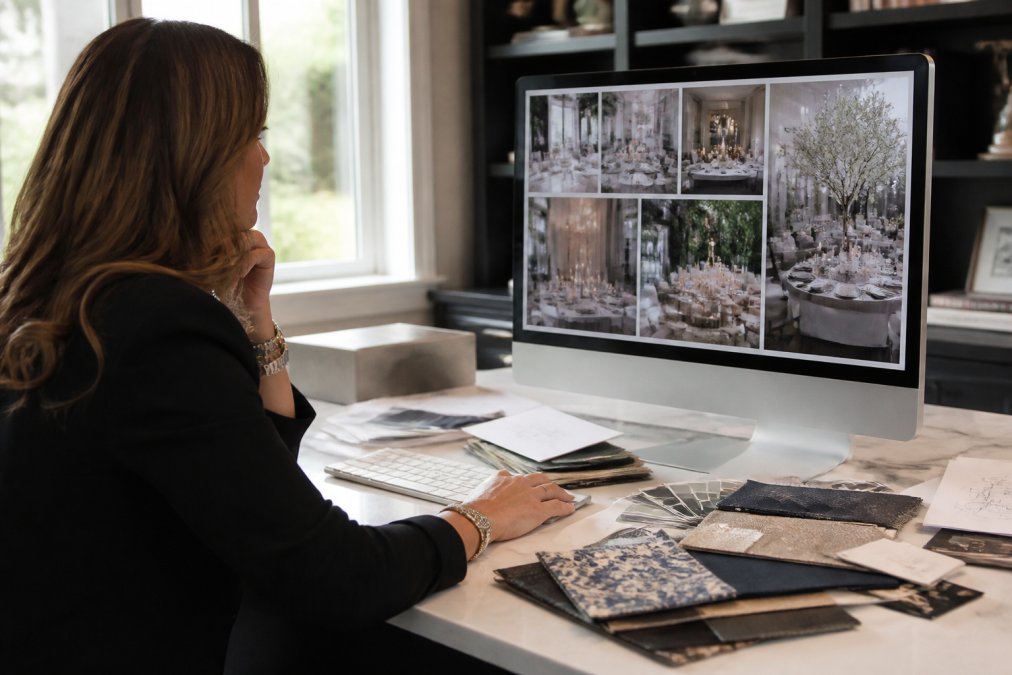
A strong luxury-specific prompt: "Art Deco-inspired tablescape with geometric brass candelabras, deep emerald napkins, ivory linens with subtle geometric embroidery, garden roses in blush and cream, white ranunculus, and pampas grass. Soft candlelight from multiple sources creating warm shadows across linens. Round table for eight in a grand ballroom with marble columns visible in background. Evening lighting, no natural light."
Presenting AI Renderings to High-End Clients
Position the rendering as a design proof, not a final product. "This is how the table will look under the exact lighting conditions we've planned" differs from "this is what the AI thinks your event should look like."
Show multiple angles and lighting scenarios. A single rendering from one vantage point can mislead. Show the tablescape from the guest's perspective, from across the room, from above. Show it under different lighting conditions: candlelight only, candlelight plus accent uplighting, natural daylight if the event spans afternoon to evening.
Walk clients through design decisions embedded in the rendering. "The emerald napkins ground the design in jewel tones, which is why we chose blush roses rather than brighter pinks, the color relationship is more sophisticated." This narrative transforms the rendering into evidence of thoughtful design.
If a client requests changes, regenerate immediately if possible. "I'll adjust the floral arrangement to include more white ranunculus and pull back on greenery, I can show you a new rendering in about ten minutes." This responsiveness builds confidence that you control the design.
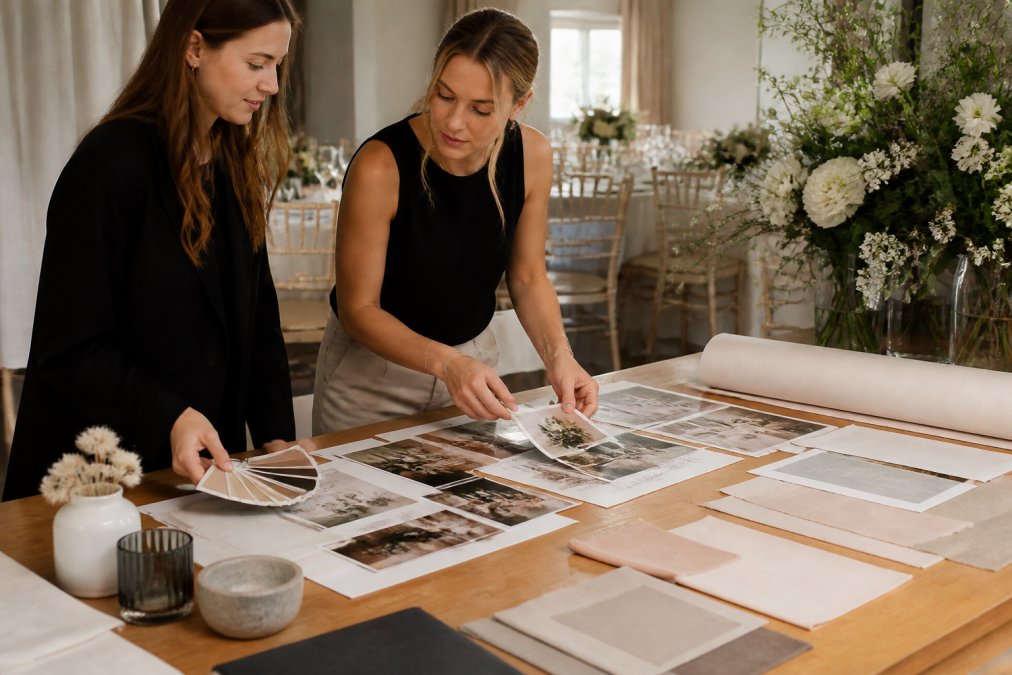
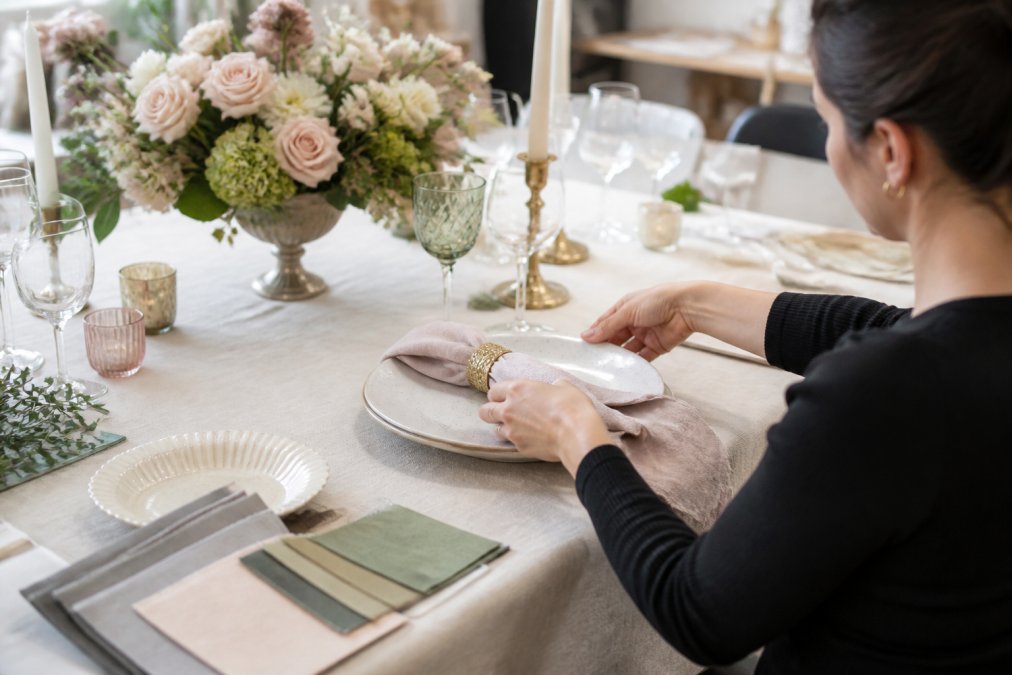
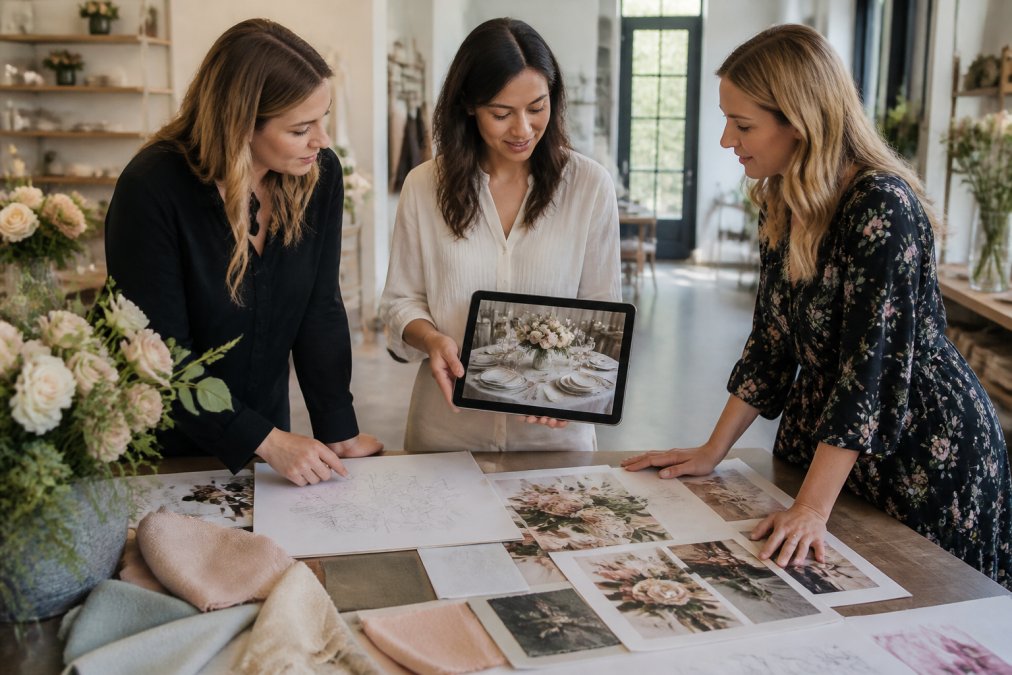
Pair renderings with physical samples when possible. A rendering shows color relationships; a fabric swatch shows texture. The AI rendering proves your design direction; physical samples prove your vendor relationships and quality standards.
Integrating AI Rendering Into Your Event Design Process
The real power of AI event rendering emerges when you integrate it into your existing workflow as an accelerant, not a replacement.
Start by identifying moments where visualization creates friction. Do clients struggle to approve designs without seeing them rendered? Do vendors misinterpret mood boards? Do revision cycles stretch longer than necessary? These pressure points are where AI rendering delivers immediate value.
Map the tool into your approval workflow: client brief → initial design concept → AI rendering → client feedback → design refinement → AI re-rendering → final approval. This cycle compresses what traditionally took 2-3 weeks into 3-5 days (peer-reviewed research).
The tool also improves vendor coordination. Instead of sending a florist a mood board, you send a photorealistic rendering showing exact arrangement, color saturation, and spatial placement. The florist executes with confidence. Questions become specific ("Should the roses be slightly more open?" vs. "Is this what you want?"), and you can regenerate to clarify.
For boutique agencies managing multiple events simultaneously, AI rendering simplifies resource allocation. You can generate multiple design concepts quickly, present them to clients, and move forward with the approved direction without waiting for manual rendering or sketch revisions.
Legal, Copyright, and Hardware Considerations
As AI-generated imagery becomes central to your design process, three practical considerations require attention: copyright and ownership, client disclosure, and technical infrastructure.
Copyright and Ownership: When you generate an image using an AI platform, who owns that image? The answer depends on the platform's terms of service. Some platforms grant you full ownership and commercial rights (copyright.gov). Others retain certain rights or require attribution. For luxury event planning, this matters significantly if you're presenting renderings to clients and potentially licensing images for marketing.
Review Eventscape's terms carefully regarding image ownership and usage rights. Most reputable platforms grant commercial rights to users, meaning you can use renderings in client presentations, proposals, and marketing materials. Clarify whether you can modify and re-render images, use them in case studies or portfolio pieces, and whether attribution is required. Document this in your client agreements.
Client Disclosure and Expectations: Frame renderings as "design visualizations" or "photorealistic renderings" in proposals and presentations. This language is accurate and sets appropriate expectations. If a client explicitly asks whether an image is AI-generated or a photograph, answer directly.
Hardware and Infrastructure Requirements: Eventscape operates as a cloud-based platform, so you don't need specialized hardware. A modern laptop with stable internet connection is sufficient. Ensure your internet is reliable enough for real-time rendering and video presentations. If presenting in-person, test the platform on the actual device and network you'll use.
For storage and organization, establish a naming system for rendered images. "ClientName_EventDate_Tablescape_Concept_A" is more useful than "Tablescape_Draft_1."
The Future of AI in Event Planning: What's Coming in 2026 and Beyond
Real-time collaboration is coming. Imagine presenting a rendering to a client where both of you adjust elements simultaneously, the client changes floral color, you adjust lighting, the AI re-renders instantly with both changes visible. This interactive design collaboration will compress approval cycles further.
Integration with venue management systems will become standard. Rather than manually inputting room dimensions and architectural features, your AI tool will pull data directly from the venue's digital floor plan. This eliminates data-entry errors and ensures every rendering is spatially accurate.
Hardware improvements will enable higher-fidelity rendering and faster processing. As AI models become more efficient, rendering times will drop from minutes to seconds. This speed will make iterative design conversations with clients feel natural.
As photorealistic renderings become industry standard, clients will expect to see exactly what they're paying for before committing. For planners who embrace this transparency and invest in strong design thinking, it's an enormous competitive advantage.
Conclusion: AI as Your Creative Partner, Not Your Replacement
AI event rendering for luxury planners is fundamentally about speed and precision, compressing the gap between vision and proof. It's not about replacing the creative judgment that distinguishes a luxury planner from a generic event coordinator. It's about proving that judgment faster, communicating it more clearly, and executing it with fewer misunderstandings.
The planners who win in 2026 aren't the ones who use AI the most. They're the ones who use it most strategically, integrating photorealistic rendering into their design workflow in ways that amplify their aesthetic point of view, strengthen client relationships, and reduce friction that slows execution.
At Eventscape, we've built a platform specifically for this. Describe your vision in a sentence. Get a photorealistic rendering of tablescapes, florals, centerpieces, and room ambiance in 1-3 minutes. Use those renderings to accelerate client approvals, strengthen vendor coordination, and prove your design thinking. Get started with Eventscape and transform how you visualize luxury events before they happen.
| Workflow Stage | Traditional Timeline | AI-Accelerated Timeline | Key Benefit |
|---|---|---|---|
| Initial concept to rendering | 5-7 days | 30 minutes | Faster client feedback |
| Client revisions to new rendering | 3-5 days | 10 minutes | Reduced revision cycles |
| Vendor briefing to execution clarity | 2-3 weeks | 1-2 days | Fewer misinterpretations |
| Design approval to final sign-off | 10-14 days | 2-3 days | Accelerated timelines |
Frequently Asked Questions
How does AI rendering improve the luxury event planning process?
AI event rendering compresses the visualization phase from weeks to minutes. Instead of creating mood boards, commissioning mock-ups, and iterating through revisions, luxury planners describe their vision once and receive photorealistic 3D visualizations instantly. This accelerates client approvals, reduces revision cycles, and lets you present multiple aesthetic directions in a single meeting. For high-end clients with specific visions, Art Deco with modern minimalism, or bespoke floral concepts, AI captures design nuance without generic results.
Can AI generate photorealistic floor plans for high-end events?
Yes. AI tools now generate spatial layouts showing furniture placement, flow patterns, and guest positioning with high-fidelity rendering. These ai generated floor plans for events show how your concept translates to the actual venue, helping you spot logistical issues before setup. For luxury events, this means verifying that your bespoke décor aligns with spatial constraints, lighting placement, and service pathways, all visualized before your team arrives on-site.
What's the best way to prompt AI for luxury event aesthetics without getting generic results?
Luxury-specific prompt engineering means being precise about materials, color palettes, and design references. Instead of 'elegant table,' specify 'Carrara marble top with brushed brass legs, Pantone 18-1546 velvet runner, and hand-tied garden roses in blush and sage.' Include brand guidelines, mood references (Art Deco, organic minimalism), and vendor constraints. The more detail you provide about your client's aesthetic DNA, the more refined and bespoke the AI output becomes, ensuring renderings match luxury standards rather than mass-market templates.
How do I position AI rendering tools to clients without devaluing my design expertise?
Frame AI as a communication tool that showcases your creative vision faster, not as a replacement for your design work. Your expertise lies in conceptualization, understanding client preferences, selecting vendors, and problem-solving on-site. AI rendering simply visualizes what you've already designed, giving clients confidence before committing budget. Many luxury clients actually appreciate faster turnaround, it signals efficiency and professionalism, not that the work is easy. Position it as 'I'm using the latest technology to show you exactly what your event will look like.'
What hardware do I need to run high-fidelity AI event rendering?
Most cloud-based ai tools for luxury event planners require only a modern laptop or desktop with a stable internet connection and a high-resolution monitor (27 inches or larger recommended for detail work). Cloud-based platforms handle heavy lifting on their servers, so a mid-range MacBook or Windows machine suffices for most boutique planners.
What legal and copyright issues should I be aware of with AI-generated renderings?
Ensure your AI platform's terms of service clarify ownership of generated images, you need rights to show them to clients and use them in your portfolio. Some platforms retain rights to outputs; others grant you full commercial rights. Verify the platform doesn't train on proprietary vendor imagery without permission. For client presentations, include a disclaimer that renderings are conceptual approximations and final execution may differ due to lighting, materials, and on-site conditions. Always confirm your contract with clients states that AI-generated previews are design tools, not guarantees.
How do I integrate AI rendering into my existing workflow without disrupting vendor relationships?
Position AI renderings as internal planning tools and client communication assets, not directives to vendors. Share renderings with florists, lighting designers, and rental companies as reference inspiration, not specifications. They bring their expertise to execution, materials vary, lighting conditions change, and real-world details refine the concept. Many vendors appreciate seeing your vision clearly; it reduces misinterpretation. Use AI to accelerate your internal design phase and client buy-in, then work collaboratively with your vendor team to bring the concept to life with their craftsmanship and real-world problem-solving.
Will AI replace professional event designers?
No. AI is a tool for visualization and communication, not creative strategy. Your role, understanding client goals, navigating vendor relationships, adapting plans on-site, and solving unexpected problems, remains irreplaceable. What changes is speed: you spend less time on mood board creation and revision cycles, and more time on high-value work like conceptualization, vendor coordination, and client experience design. The planners who adopt AI rendering gain competitive advantage through faster turnaround and better client confidence, not because the tool replaces their expertise.