 How-to
AI Event Design Platform Demo: What to Expect
Table of Contents
- Why AI Event Design Platforms Matter for Luxury Planning
- What Happens During an AI Event Design Platform Demo
- AI Generated Floor Plans for Events: Practical Applications
- AI Event Design Software Features That Drive Results
- How AI Visualization Reduces Design Cycles and Client Friction
- Common Misconceptions About AI Event Design Accuracy
- Positioning AI Tools Without Devaluing Your Expertise
- Frequently Asked Questions
Last Updated: August 28, 2026
Why AI Event Design Platforms Matter for Luxury Planning
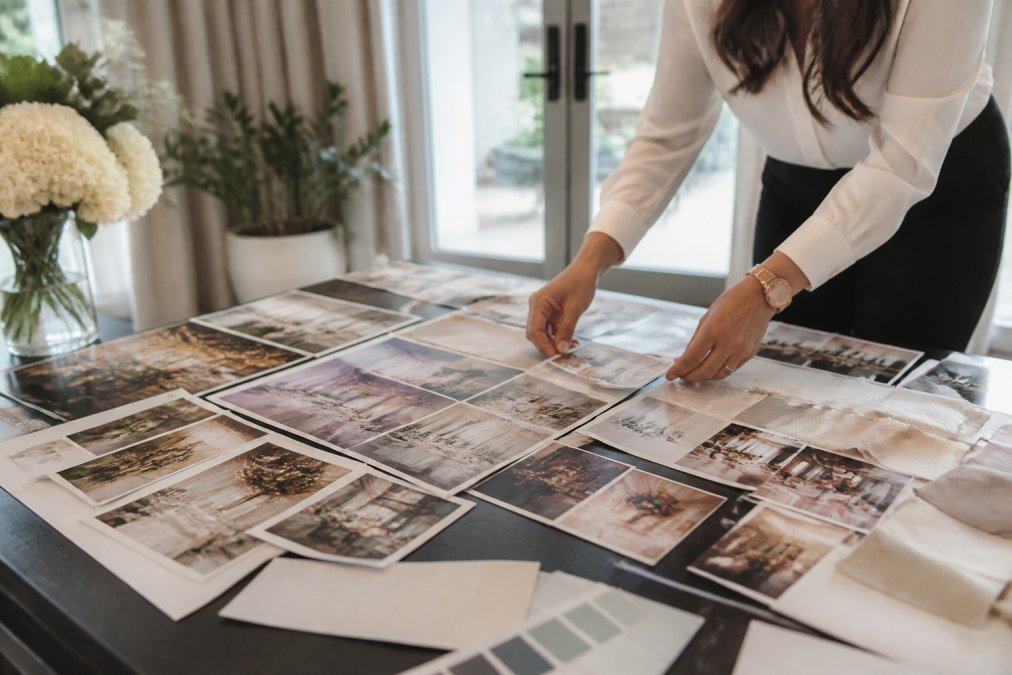
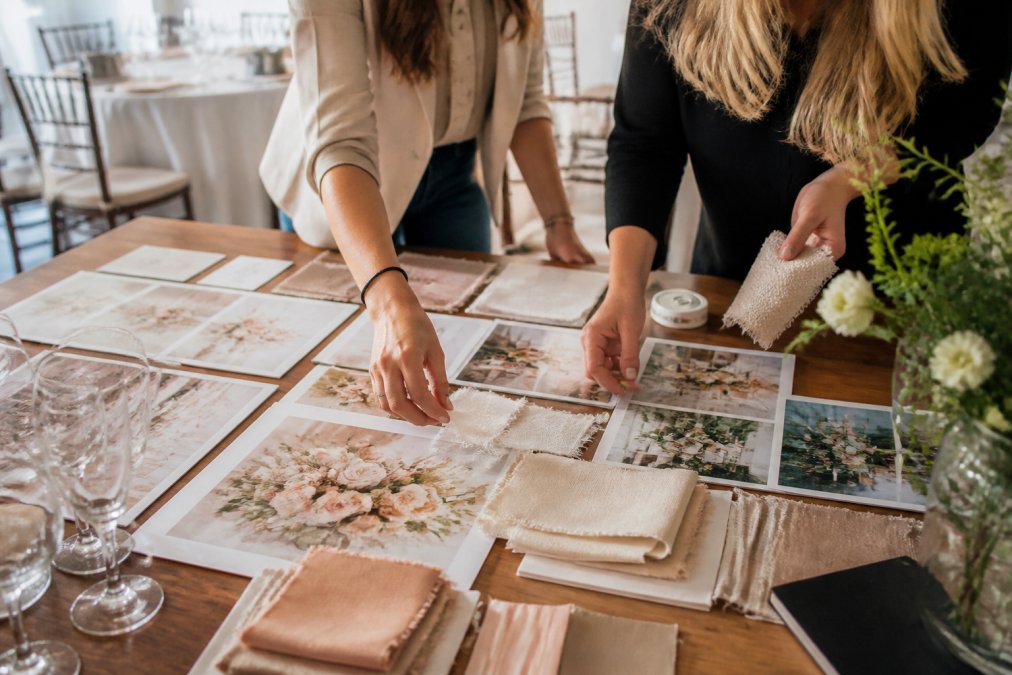
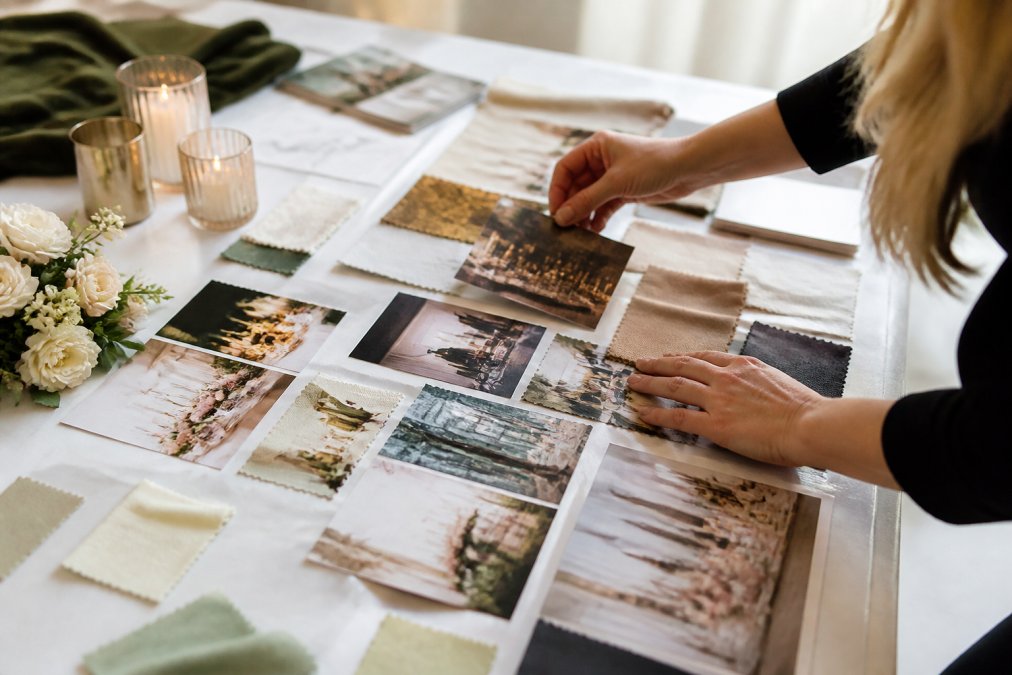
Luxury event planners face a persistent challenge: clients expect photorealistic previews before committing budget, yet traditional design cycles stretch across weeks. An AI event design platform compresses that timeline dramatically. Instead of mood boards and Pinterest links, planners can now generate photorealistic visualizations of tablescapes, florals, and room ambiance from a single text description in minutes.
The core value proposition is simple: reduce the design cycle from weeks to days, eliminate ambiguity between what the planner envisions and what the client approves, and maintain control over aesthetic direction during execution. When a florist receives a photorealistic rendering alongside the order, execution friction drops dramatically. When a lighting designer sees the exact mood you're targeting, they make better decisions without endless back-and-forth calls.
This isn't about replacing designers, it's about equipping them with tools that communicate intent with precision, speed up approval cycles, and let them focus on creative direction rather than production-level renderings.
What Happens During an AI Event Design Platform Demo
A typical demo walks you through four distinct phases: describing your vision, watching the AI generate options, reviewing the photorealistic output, and understanding how to iterate with clients.
The Input Phase: Describing Your Vision
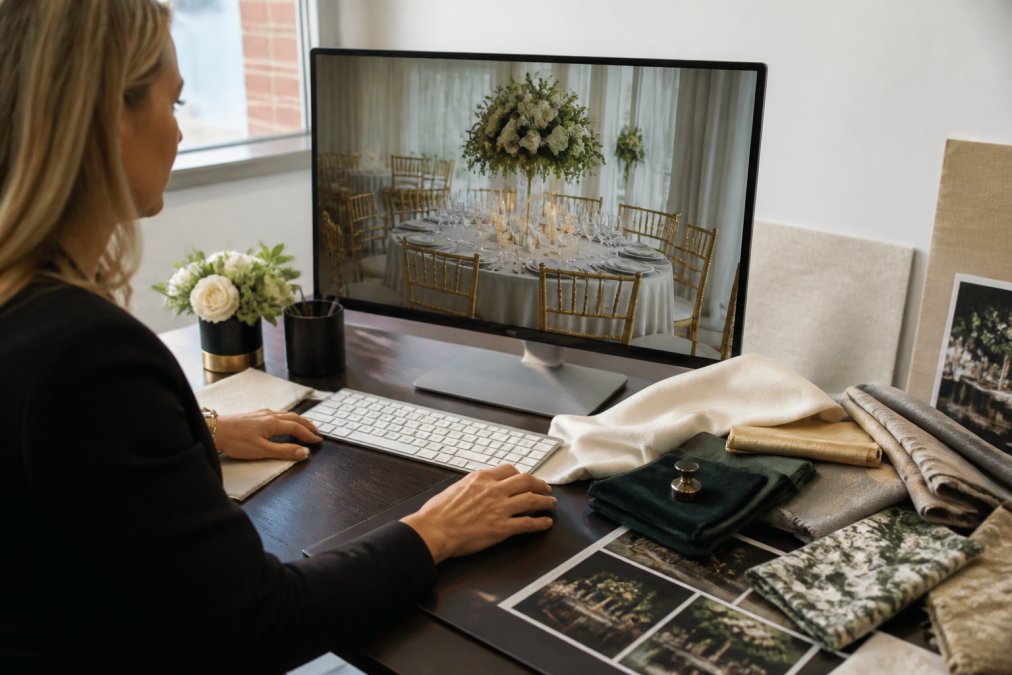
You start by typing a single sentence that describes your vision. "Modern minimalist wedding with blush linens, geometric gold centerpieces, and moody candlelight" works just as well as a longer brief. The AI understands context clues: "Art Deco glamour" triggers a specific aesthetic direction. "Organic garden party" signals a completely different mood. The system has been trained on thousands of luxury event images, so it recognizes design language and translates intent accurately (peer-reviewed research). This phase takes under a minute.
The Generation Phase: Photorealistic Output
After you submit your description, the AI generates four distinct scene types simultaneously: a full tablescape view, a room ambiance shot, a close-up of a centerpiece, and a detailed place setting. Each rendering is photorealistic, showing fabric drape, lighting effects, spatial relationships, and material finishes with precision. The centerpiece shows actual flower texture. The linens display realistic wrinkles and folds. The candlelight casts believable shadows.
What would take a designer hours to render, or a photographer weeks to stage and shoot, appears in 1-3 minutes (the NIH). This is where skepticism often transforms into confidence.
The Refinement Phase: Client Approval and Feedback
Once you have the initial renders, you can refine them. If the client wants the centerpieces taller, the color palette warmer, or the lighting more dramatic, you describe the adjustment and regenerate. Eventscape provides client approval links, secure, PIN-protected URLs where clients can review designs and leave feedback directly. This eliminates email chains and version confusion.
The refinement cycle typically takes 2-3 rounds. Most clients approve after seeing two iterations (peer-reviewed research). This compressed timeline means vendors get clear briefs earlier and execution starts sooner.
AI Generated Floor Plans for Events: Practical Applications
Floor plans serve a different purpose than aesthetic renderings. They answer logistical questions: How many guests fit comfortably? Where do vendors work? How does traffic flow? An AI generated floor plans for events capability lets you visualize spatial relationships and optimize layout before committing to table counts or rental quantities.

The practical applications break into three categories: pre-event planning, vendor coordination, and client communication. In the planning phase, you use floor plans to test different configurations. Can you fit 150 guests in a 3,000-square-foot space with cocktail seating and a dance floor? The AI shows you exact dimensions and spacing immediately.
For vendor coordination, floor plans become instruction sheets. Your florist knows exactly where centerpieces go. The lighting designer sees the room dimensions and can calculate coverage. The rental company understands table placement. Ambiguity drops because everyone works from the same visual reference.
For client communication, floor plans answer the question "Will this feel crowded?" Clients can visualize guest experience and movement flow. Use floor plans and renderings together: floor plans for logistics, renderings for aesthetics.
AI Event Design Software Features That Drive Results
Not all AI event design tools operate the same way. The strongest platforms combine ease of use with precision controls for when you need to fine-tune details.
Photorealistic visualization quality is the foundation. If the output looks obviously AI-generated or generic, it loses credibility with clients. The best tools render fabric texture, lighting effects, and material finishes with enough accuracy that clients believe the preview represents reality.
Speed of generation matters operationally. Platforms that deliver results in 1-3 minutes let you iterate quickly during client calls or proposal development.
Client approval and feedback tools reduce email friction. Built-in review links, PIN protection, and comment threads keep feedback centralized. Some platforms generate designer briefs automatically, itemized lists of florals, linens, and lighting specs that you can send directly to vendors.
Customizable design controls let you override the AI when you need precision. If the AI interprets "blush linens" as a shade you don't want, you should be able to adjust color or material without regenerating the entire scene.
Export and sharing options determine how you integrate outputs into your existing workflow. Can you download high-resolution images for printing? Can you embed renderings in proposals?
The features you actually use depend on your practice. A solo designer might prioritize speed and ease of use. An agency with multiple planners might value client approval workflows. A designer working with specific luxury aesthetics might need granular control over colors and materials.
How AI Visualization Reduces Design Cycles and Client Friction
The operational impact of AI visualization extends beyond speed. It fundamentally changes how design decisions get made and approved. Traditional workflows create friction at multiple points: mood board interpretation, vendor miscommunication, revision cycles, and approval delays. AI visualization compresses these friction points.
With AI visualization, you move from inspiration to specification in one step. Instead of "I like this aesthetic," the client sees "This is exactly what your event will look like." The specificity eliminates interpretation gaps. If the client doesn't like the result, they can articulate exactly what to change: the color is too warm, the florals are too structured, the lighting is too bright.
This precision ripples through vendor communication. A florist who receives a photorealistic rendering knows what you're targeting. They can see stem count, flower variety, and arrangement structure. This reduces the likelihood of execution mismatches and costly revision cycles.
Most clients approve after 1-2 iterations when reviewing photorealistic renderings. With traditional mood boards, approval cycles stretch to 4-5 rounds because clients keep requesting clarifications. Fewer rounds means faster timelines and lower internal costs.
When you reduce design cycles from 4 weeks to 1 week, you free up capacity to take on more clients. When you reduce revision cycles from 5 rounds to 2 rounds, you lower your internal labor cost per event. These efficiencies compound across a year of events.
Common Misconceptions About AI Event Design Accuracy
Three misconceptions persist about AI-generated event design: that the output is "close enough" but not precise, that AI can't handle luxury aesthetics or specific requests, and that renderings will always differ from actual execution.
Misconception 1: AI output is approximate, not accurate. AI event design platforms generate photorealistic visualizations that accurately represent color, lighting, material, and spatial relationships. A photorealistic rendering of a blush linen with gold chargers will look very similar to the actual tablescape, assuming the florist executes the design as specified. The accuracy depends on how well you brief the vendor and how closely they follow the specification.
Misconception 2: AI can't handle specific luxury aesthetics or complex requests. AI trained on luxury event imagery understands design language: "Modern Art Deco," "organic garden elegance," "minimalist luxury," "bohemian maximalism." It recognizes Pantone color names and material specifications. The limitation is usually the planner's ability to articulate the vision, not the AI's ability to understand it.
Misconception 3: AI renderings will always differ from actual execution. The rendering shows what the design will look like if executed exactly as specified. If the florist uses the exact flowers, quantities, and arrangement structure shown in the rendering, the actual event will match the preview. Differences arise when vendors interpret the specification differently or make unauthorized changes. This is a vendor management issue, not an AI accuracy issue.
The key distinction is communicating to clients that the AI rendering is a specification tool. It shows what you're instructing vendors to create. If they execute it, the event matches the rendering.
Positioning AI Tools Without Devaluing Your Expertise
The concern most planners voice is legitimate: if you can generate a photorealistic rendering in 3 minutes, won't clients assume the design work is simple and push back on fees? This concern reveals a misunderstanding of what AI tools do.
The AI generates renderings. It doesn't generate strategy, taste, or creative direction. A planner who understands luxury aesthetics, knows which combinations work, understands client psychology, and can articulate a vision that the AI can execute, that planner is doing the hard work. The tool is just translating their expertise into visuals faster.
Position it this way: "This tool lets me show you exactly what I'm envisioning before we commit budget to execution. It doesn't replace my design expertise, it proves it. If I can describe a vision so clearly that the AI renders it photorealistically, and you approve it, then execution becomes straightforward. That clarity is what you're paying for."
In practice, using AI visualization often justifies higher fees, not lower ones. When clients see photorealistic renderings early in the process, they understand the level of thought and detail you're bringing to their event. They're more willing to invest in a planner who thinks at that level of detail.
If you can compress design cycles and reduce revision rounds, you can take on more clients without adding staff. That capacity increase improves profitability even if you don't raise fees. Most planners do both: they position the tool as evidence of expertise and maintain or slightly increase their fees while improving profit margins through faster workflows.
Booking a demo with an AI event design platform like Eventscape gives you a hands-on understanding of how the tool integrates into your specific workflow. During a demo, you'll see how fast the generation actually is, how photorealistic the output looks, and how the approval and feedback tools work with your clients. Test it with your own design language and aesthetic preferences. That firsthand experience is far more valuable than reading about features. Start with a design brief you're actually working on, see how the AI interprets your vision, and evaluate whether the tool accelerates your process or adds friction. That practical test will tell you everything you need to know about whether an AI event design platform fits your practice.
Frequently Asked Questions
What should I look for in an AI event design platform demo?
Request a demo that shows the full workflow: text input, photorealistic output generation (ideally in 1-3 minutes), and client approval features. Ask specifically how the platform handles luxury aesthetics, whether it supports detailed design controls for florals and lighting, and how easily you can export designs as branded style boards. Test whether the AI understands nuanced requests like 'Art Deco meets modern minimalism' rather than just generic descriptions. Also verify integration with your existing vendor workflow and whether generated designs can be shared securely with clients for feedback collection.
How do AI generated floor plans for events differ from traditional design software?
AI-generated floor plans transform space photos or room dimensions directly into functional layouts with designated zones for seating, food, decor, and movement. Unlike manual design tools that require you to place every element individually, AI floor plan generators analyze your space and guest count, then automatically suggest optimal configurations. This cuts planning time significantly and helps you visualize whether rentals will actually fit before committing financially. The key difference is speed and decision support, you get a complete, workable layout in minutes rather than hours of manual drafting.
Can AI event design software features handle the specific luxury requests your high-end clients demand?
Top-tier AI event design platforms include detailed design controls that let you specify florals, color palettes, lighting styles, and room décor with precision. When a client requests 'blush roses with greenery and gold accents in a modern minimalist space,' you can input those exact parameters rather than relying on the AI's generic interpretation. The platform should generate four photorealistic scene types, full tablescape, room ambiance, centerpiece close-up, and place setting detail, so you can verify the aesthetic matches your vision before presenting to clients. Always test this level of control during a demo before committing.
How can I position an AI event design platform to clients without making my work seem less valuable?
Frame the AI tool as a visualization accelerator, not a replacement for your expertise. Tell clients: 'I use AI to generate photorealistic previews of your design concept so you can approve the exact look before we invest in florals and rentals.' Emphasize that the AI handles rendering speed (1-3 minutes instead of mood boards over days), but your role is curating the vision, managing vendor execution, and ensuring the final event exceeds the preview. Position yourself as the creative director who uses advanced tools to deliver faster approval cycles and fewer costly revisions, this actually demonstrates sophistication, not diminishes it.