 how-to
Fast Event Visualization for Planners: 2026 Guide
Table of Contents
- Why Fast Event Visualization Changes the Planning Process
- AI-Powered Event Design Software: What to Look For
- Luxury Event Mood Board Creation in the AI Era
- How to Present Event Concepts to Clients Effectively
- Guest Flow, Spatial Planning, and Venue Layout Design
- Calculating the ROI of Event Visualization Tools
- Accessibility and Inclusivity in Event Visualization
- Conclusion
Last Updated: August 27, 2026
The way most event planners present concepts to clients hasn't fundamentally changed in decades: a Pinterest board, a few fabric swatches, and a lot of "trust me, it'll look beautiful." Fast event visualization is changing that entirely, and Eventscape was built specifically to close that gap. At Eventscape, we've watched planners transform client conversations by generating photorealistic renders of tablescapes, florals, and room ambiance in under three minutes, using nothing more than a text description. Below, we'll show you exactly how to integrate visualization into every stage of your planning workflow, and why the planners doing it are winning higher-value clients.
Why Fast Event Visualization Changes the Planning Process
Event visualization is the practice of generating accurate visual representations of an event environment before any physical setup occurs. Done well, it collapses the gap between a client's imagination and what they'll actually see on the night.
The traditional planning process front-loads uncertainty. Clients approve concepts they can't fully picture, planners execute against vague briefs, and the first real alignment check happens on event day. That's a structurally broken workflow.
Fast visualization flips the sequence. You confirm aesthetics before committing to vendor orders, venue deposits, or labor hours. The result is fewer revision cycles, tighter vendor briefs, and clients who feel genuinely heard rather than asked to trust a professional they've known for three weeks.
From 2D Floor Plans to Immersive Pre-Visualization
A 2D floor plan answers one question: will everything fit? It tells you nothing about how a room will feel at 7 p.m. with candlelight bouncing off a floral arch. That's the information clients actually need to make confident decisions.
Immersive pre-visualization answers the feeling question. A photorealistic render showing the exact table linen texture, the height of the centerpiece relative to sightlines, and the ambient lighting tone gives clients a spatial awareness they cannot get from a top-down technical drawing. It also surfaces problems early. A layout that reads cleanly on a floor plan often reveals awkward guest flow or visual imbalance once rendered in three dimensions.
The transition from 2D to 3D event design is less about technology and more about a shift in what you're promising clients. You're no longer selling your credentials. You're showing them the event.
Reducing Site Visits Through Virtual Walkthroughs
Site inspections are expensive in time and logistics. For planners managing events across multiple venues or working with clients who travel, every unnecessary site visit compounds costs and delays.
Virtual walkthroughs let clients experience spatial planning decisions remotely. A client in another state can review the proposed room layout, understand the guest flow from entrance to reception area, and approve the event setup without boarding a plane. According to research on virtual collaboration tools in the events industry, remote visualization significantly reduces the number of in-person site visits required before event day.
The practical implication: fewer site visits means faster project timelines and lower overhead per event.
AI-Powered Event Design Software: What to Look For
Most software in this category falls into one of two camps: architectural 3D modeling tools repurposed for events, or consumer-grade mood board apps dressed up with event templates. Neither serves luxury planners well.
What you actually need is AI-powered event design software built around aesthetic nuance, not just spatial accuracy.
Speed, Accuracy, and Luxury Aesthetic Nuance
Speed matters because client conversations move fast. If generating a single render takes 45 minutes, you'll use it once per proposal. If it takes under three minutes, you'll iterate in real time during client calls, which is where the real value lives.
Accuracy matters because a render that misrepresents the final product creates problems. The most common planner objection to visualization tools is exactly this: "What if the florist executes it differently and the client holds me to the render?" The answer is to use renders as directional references, not contractual specifications, and to frame them that way explicitly in your client communication.
Luxury aesthetic nuance is the hardest thing to find in software and the most important for boutique planners. Generic rendering engines produce generic results. A tool built specifically for luxury event design will understand the difference between "romantic garden party" and "formal European garden party" without requiring you to specify every variable.
Integration With Your Existing Event Management Stack
A visualization tool that lives in isolation from your project management and vendor coordination workflow creates more friction than it removes. The best event visualization platforms connect to the tools you already use.
Practically, this means looking for:
- Export formats your vendors can open without specialized software
- Sharing options that don't require clients to create accounts
- Compatibility with the file types your venue partners use for layout design
- API access or direct integrations with event management platforms
A common mistake is evaluating visualization tools purely on render quality without testing the handoff workflow. A beautiful render that takes six steps to share with a client is a tool you'll stop using within a month.
Luxury Event Mood Board Creation in the AI Era
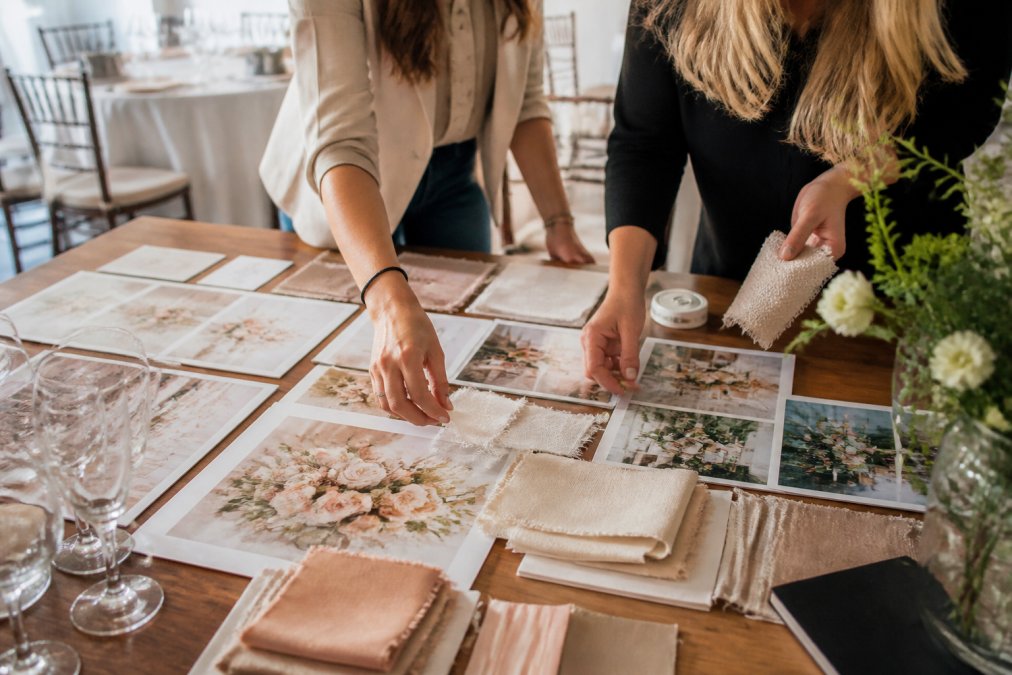
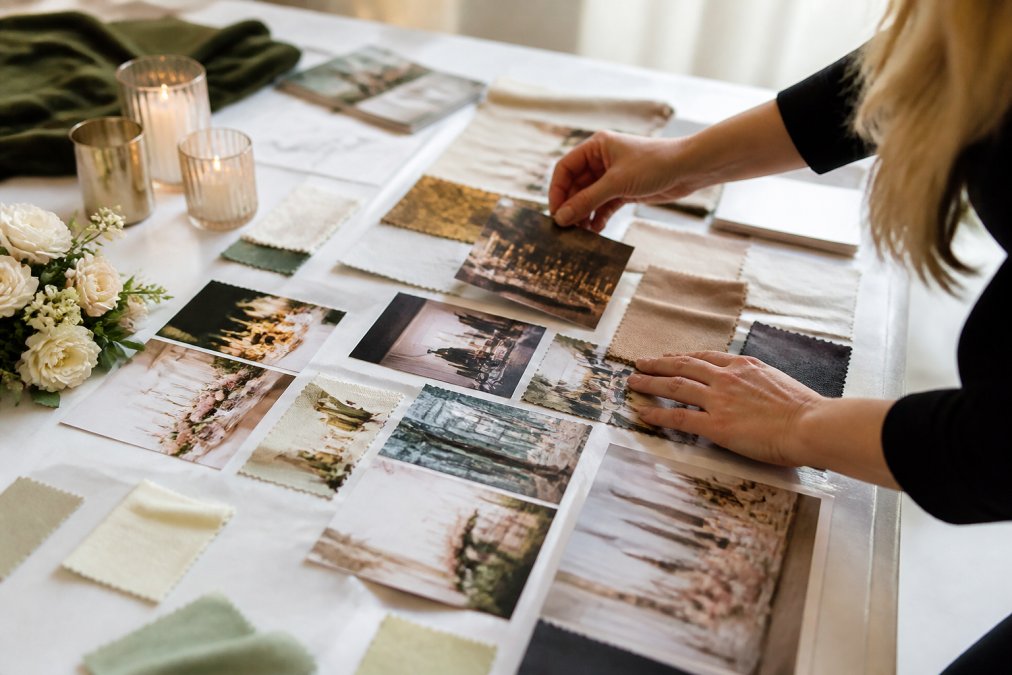
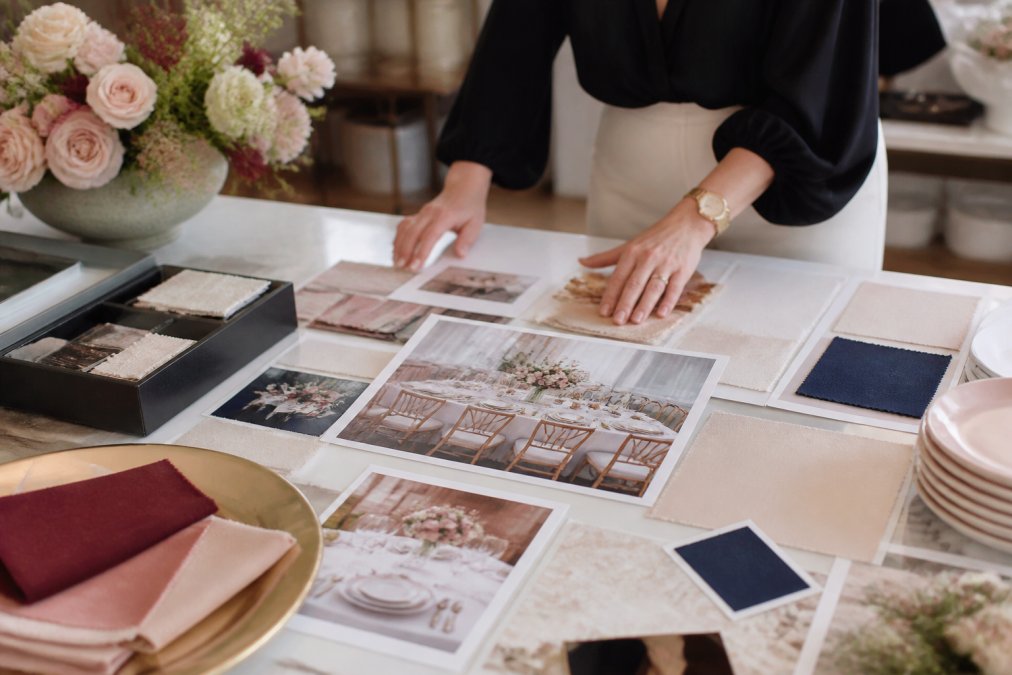
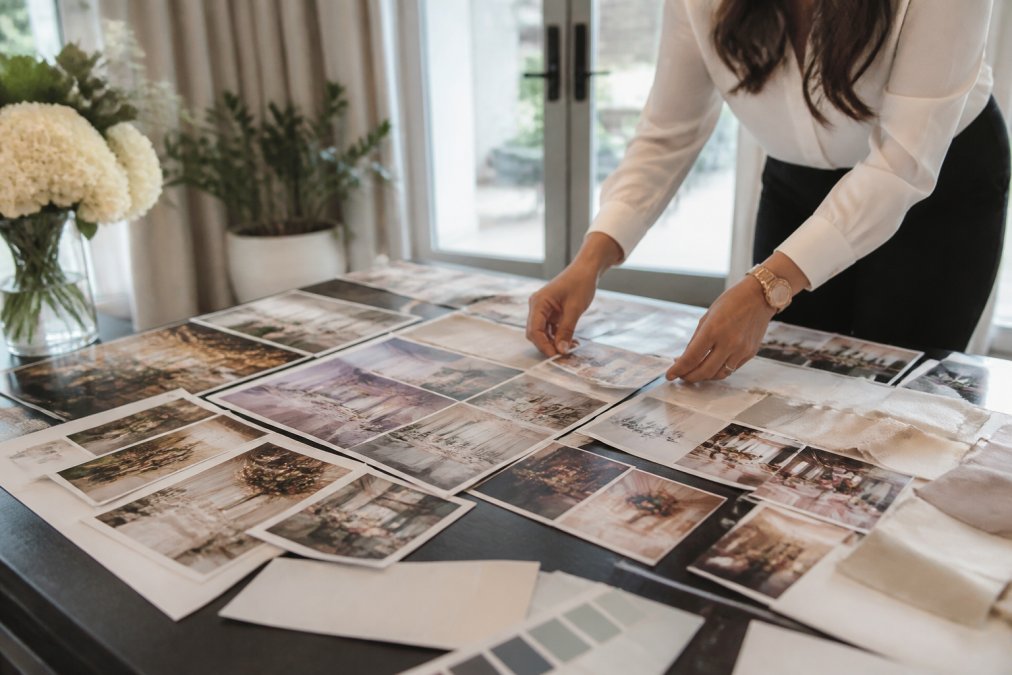
The mood board hasn't died. It's evolved. For years, luxury planners assembled physical or digital mood boards as the primary tool for establishing aesthetic direction with clients. The problem was always the gap between a curated image collection and the actual event.
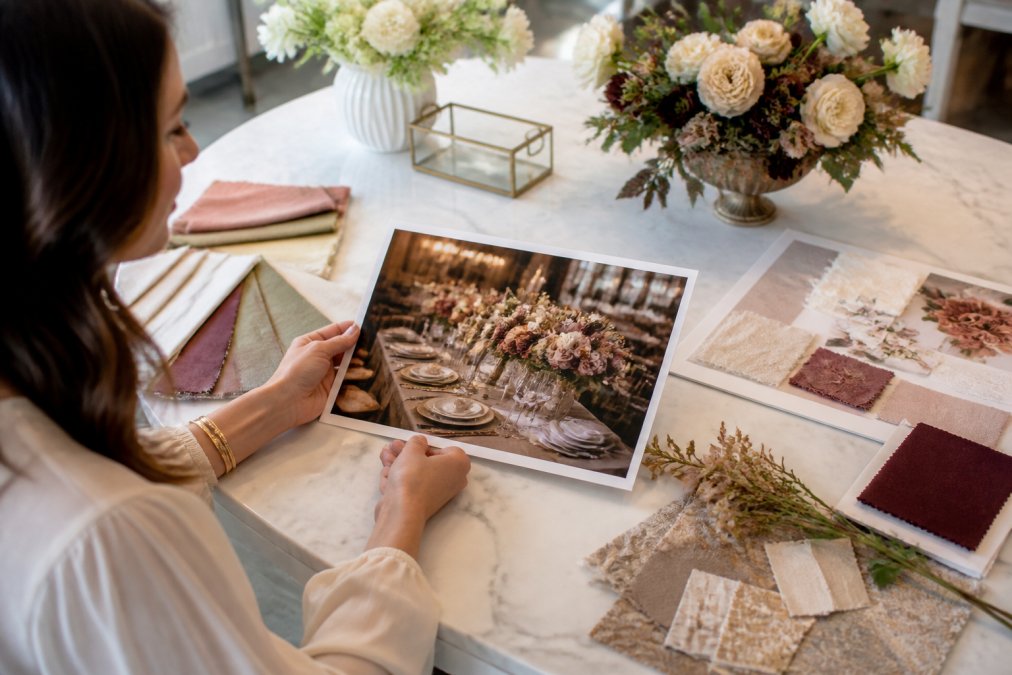
AI-generated renders don't replace the mood board's function. They extend it by closing that gap.
Moving Beyond Pinterest: Photorealistic Renders as Proposals
A Pinterest board communicates inspiration. A photorealistic render communicates intent. That distinction matters enormously in client relationships, particularly at the luxury end of the market where clients are paying for precision, not approximation.
The shift in practice looks like this: use mood boards early in the discovery process to establish aesthetic direction, then use photorealistic renders to confirm specific execution choices. The mood board answers "what feeling are we going for?" The render answers "does this specific tablescape achieve that feeling?"
According to Eventbrite's 2025 event industry trends report, client expectations around visual communication in event planning have risen significantly, with more clients expecting to see event design concepts before committing to final decisions.
Eventscape generates these photorealistic visualizations from a single text description, handling tablescapes, florals, centerpieces, and room ambiance in one to three minutes. The practical result is that you can walk into a client proposal with five distinct visual directions instead of one, and let the client choose rather than guess.
How to Present Event Concepts to Clients Effectively
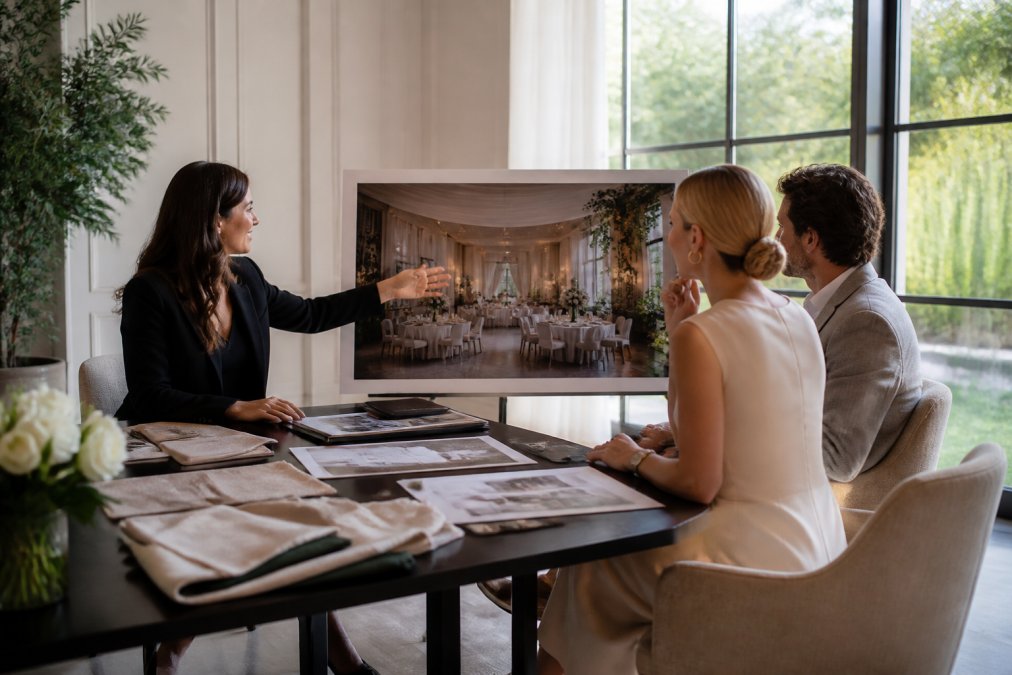
Presenting event concepts effectively is about sequencing, not just the quality of the visuals. Even a stunning render falls flat if it's introduced at the wrong moment or without the right framing.
Framing Visualizations Without Devaluing Your Design Expertise
This is the concern most planners don't say out loud: if I show a client a photorealistic render generated in three minutes, will they think the design work is easy and push back on my fees?
The answer depends entirely on how you position the tool. A common mistake is presenting the render as the deliverable. The render is not the deliverable. Your judgment, curation, and design expertise are the deliverable. The render is simply the clearest possible communication of that expertise.
Frame it this way: "I've translated your vision into this visual direction. What you're seeing is the result of understanding your aesthetic, your venue's constraints, and your guest experience goals." The speed of generation is irrelevant to the client. The accuracy of the result is everything.
Practical presentation structure that works well:
- Open with the client's own words from the brief, then show the render
- Walk through specific design decisions visible in the render and explain the reasoning
- Invite feedback on specific elements, not the overall concept
- Use revision requests as opportunities to demonstrate design knowledge, not just re-generate
This approach, documented in ILEA's professional development resources for event designers, positions visualization as a communication tool rather than a design shortcut.
Guest Flow, Spatial Planning, and Venue Layout Design
Spatial management is where visualization tools earn their keep in ways clients rarely see but always feel. Guest flow problems, sightline issues, and capacity miscalculations are invisible in 2D floor plans and obvious in 3D renders.
Event space optimization through visualization works by forcing you to think in three dimensions before the event setup begins. Where does the eye travel when a guest enters the room? Is the bar positioned where it will create a bottleneck? Does the floral arch block sightlines to the dance floor?
These are questions a floor plan cannot answer. A rendered walkthrough of the event space answers all of them, and it answers them early enough to change the layout without incurring costs.
Capacity planning also benefits significantly. Understanding how furniture density affects the feel of a room, not just the headcount, is a spatial awareness skill that visualization tools make accessible to every planner regardless of experience level. A room that fits 200 people on a floor plan can feel cramped or spacious depending on furniture arrangement, and that difference is visible in a render.
Planning Challenge | 2D Floor Plan | 3D Visualization |
|---|---|---|
Guest flow bottlenecks | Not visible | Clearly visible |
Sightline issues | Not visible | Clearly visible |
Aesthetic feel at scale | Absent | Accurately rendered |
Client approval confidence | Low | High |
Vendor brief clarity | Moderate | High |
Layout iteration speed | Slow | Fast |
Calculating the ROI of Event Visualization Tools
ROI for visualization tools is rarely calculated directly, which is why many planners underestimate the return. The value shows up in three places: time saved, revenue protected, and revenue added.
Time saved is the most straightforward. If generating a client proposal previously required two hours of mood board assembly and now requires 30 minutes of AI-assisted render generation, that's 1.5 hours per proposal recovered. For a planner handling 20 events per year, that's 30 hours annually returned to billable work.
Revenue protected comes from reducing costly last-minute changes. A client who approves a photorealistic render before vendor orders are placed is far less likely to request changes after contracts are signed. Every revision avoided at the execution stage protects margin.
Revenue added is the most significant and least-discussed benefit. Planners who present photorealistic event concepts win more proposals. The visual communication advantage is real. A planner showing a photorealistic render of a client's specific vision is competing differently than one presenting a mood board of someone else's event.
To calculate your own ROI: estimate the time cost of your current proposal process, the frequency of late-stage revisions per year, and your average proposal win rate. Then model what a 20% improvement in any of those three variables would mean for annual revenue. The math tends to make the case clearly.
Accessibility and Inclusivity in Event Visualization
Most guides on event visualization skip this entirely. That's a gap worth addressing, both because it's the right thing to do and because it's increasingly relevant to corporate event clients with formal accessibility requirements.
Visualization tools serve accessibility planning in two practical ways. First, they allow planners to review venue layouts for mobility access before event day, identifying potential barriers in aisle widths, stage access routes, and seating arrangements. A 3D render of an event space makes these issues visible in a way that a floor plan measurement cannot.
Second, virtual walkthroughs allow guests with mobility challenges or sensory sensitivities to preview the event environment in advance. For high-end private events and corporate gatherings, offering this as a client service signals a level of consideration that differentiates boutique planners from larger, less attentive operators.
The ADA National Network guidelines on accessible event planning provide a useful framework for the specific spatial requirements planners should be checking at the visualization stage, including aisle widths, accessible seating ratios, and route clearance standards.
Inclusivity in event design also extends to visual representation in renders. Photorealistic visualizations that reflect the actual diversity of a client's guest list, rather than defaulting to generic placeholder figures, communicate a level of intentionality that resonates with clients who care about those details.
Mobile-first visualization is another underserved angle. On-site planners coordinating event setup need access to renders on their phones, not just on a desktop in the office. The best visualization platforms deliver renders in formats that are immediately viewable on mobile devices, so the design reference travels with the planner through the setup process.
Frequently Asked Questions
Can AI tools handle highly specific luxury aesthetics like 'Art Deco meets modern minimalism with a custom Pantone palette'?
Yes, purpose-built AI event design platforms are trained to interpret nuanced, compound style descriptions. When you include specific references — era, palette codes, material textures, or mood descriptors — the rendering reflects those inputs rather than defaulting to generic results. The key is specificity in your prompt. The more precise your description, the closer the output aligns with a high-end client's vision. Platforms built specifically for luxury event visualization prioritize aesthetic nuance over broad, generic outputs.
Why is event visualization important for client communication?
Clients struggle to translate verbal descriptions or flat floor plans into a felt sense of a space. A photorealistic render of tablescapes, florals, and room ambiance closes that gap immediately. It aligns expectations before vendors are booked, reduces mid-production change requests, and gives clients confidence in their investment. Fast event visualization also shortens the approval cycle — instead of multiple revision rounds over weeks, planners can iterate and confirm concepts in a single meeting.
How do I avoid clients thinking design work is easy just because renders are generated quickly?
Position the visualization as a communication tool, not the deliverable. The render shows the outcome of your creative direction, vendor knowledge, and logistical expertise — not a replacement for it. You can explain that the AI executes your vision, but the vision itself comes from years of experience. Many planners frame fast visualization as a premium service feature: clients get clarity faster, which is part of what they're paying for. Transparency about your process reinforces your value rather than undermining it.
How do you create a mood board for luxury events using AI?
Start with a single-sentence description of the overall aesthetic — include era references, color palette, key design elements, and the emotional tone you want to evoke. Submit that prompt to an AI-powered event design platform and generate an initial render. Use the output as the anchor image in your mood board, then layer in fabric swatches, lighting references, and florals that match the render's palette. This approach produces a cohesive, photorealistic mood board far faster than assembling images manually from stock libraries or Pinterest.