 how-to
How to Speed Up Event Design: 7 Proven Steps
Table of Contents
- What You'll Need Before You Start
- Step 1: Build a Template-Based Event Design Workflow
- Step 2: How to Create Event Mood Boards Faster
- Step 3: Use AI Tools for Event Planners to Generate 3D Mockups
- Step 4: Streamline Vendor Coordination and Floor Plan Optimization
- Step 5: Speed Up the Luxury Wedding Design Workflow
- Step 6: Optimize Event Check-In and On-Site Execution
- Step 7: Run a Post-Event Design Audit to Cut Future Time Leaks
Last Updated: August 26, 2026
What You'll Need Before You Start
Before opening design software, gather these foundational assets to eliminate decision fatigue:
- A defined brand kit for your firm (fonts, color palettes, logo files)
- A folder of reference images organized by event type and aesthetic
- Access to an AI-powered design platform capable of generating photorealistic visualizations
- A project management tool for tracking vendor timelines
- A shared drive or cloud workspace your entire team can access in real time
This guide addresses every major bottleneck in event design, from concept ideation to post-event review. The efficiency gains compound as you implement them because speed is a systems problem, not a production problem.
Step 1: Build a Template-Based Event Design Workflow
Most time disappears in the setup phase: recreating file structures, re-explaining briefs, and rebuilding deliverables from scratch for every client. Template-based workflows eliminate that waste entirely.
Standardize Your Event Timeline and SOPs
A standard operating procedure for event design is a documented sequence of decisions, approvals, and deliverables that repeats across every project. Build one for each event category you serve, corporate galas, luxury weddings, intimate dinners, and you'll cut per-project setup time significantly.
Your event timeline SOP should cover: initial client brief, mood board delivery, first 3D visualization round, vendor brief distribution, floor plan approval, final design sign-off, and on-site execution. Attach realistic time estimates to each phase so you know exactly which phases have flex when clients request faster turnarounds.
Create a Reusable Digital Asset Library
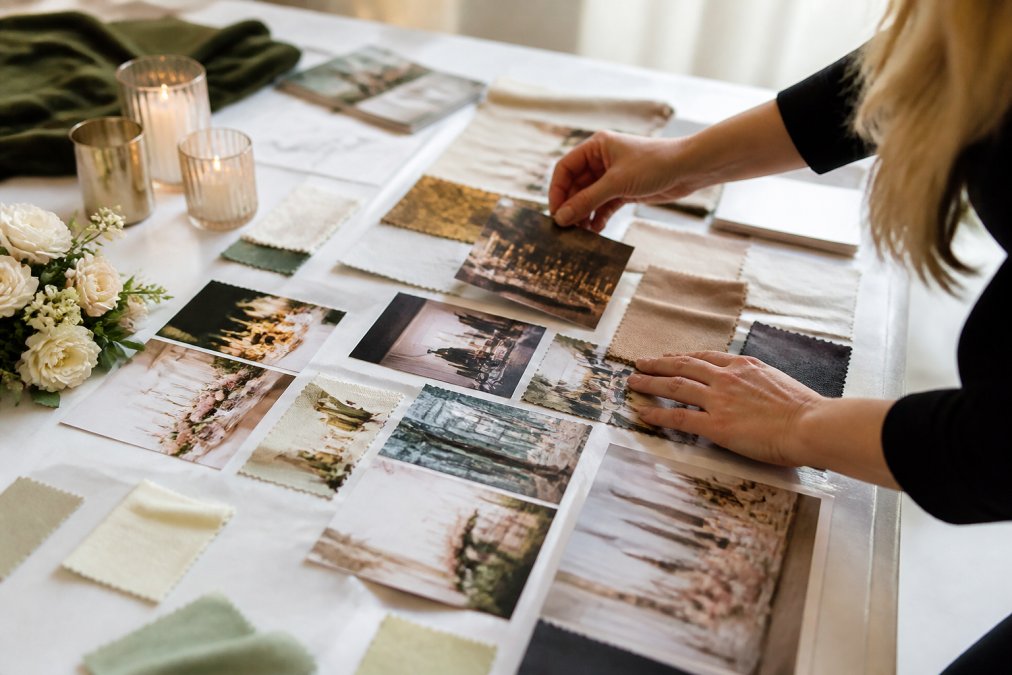
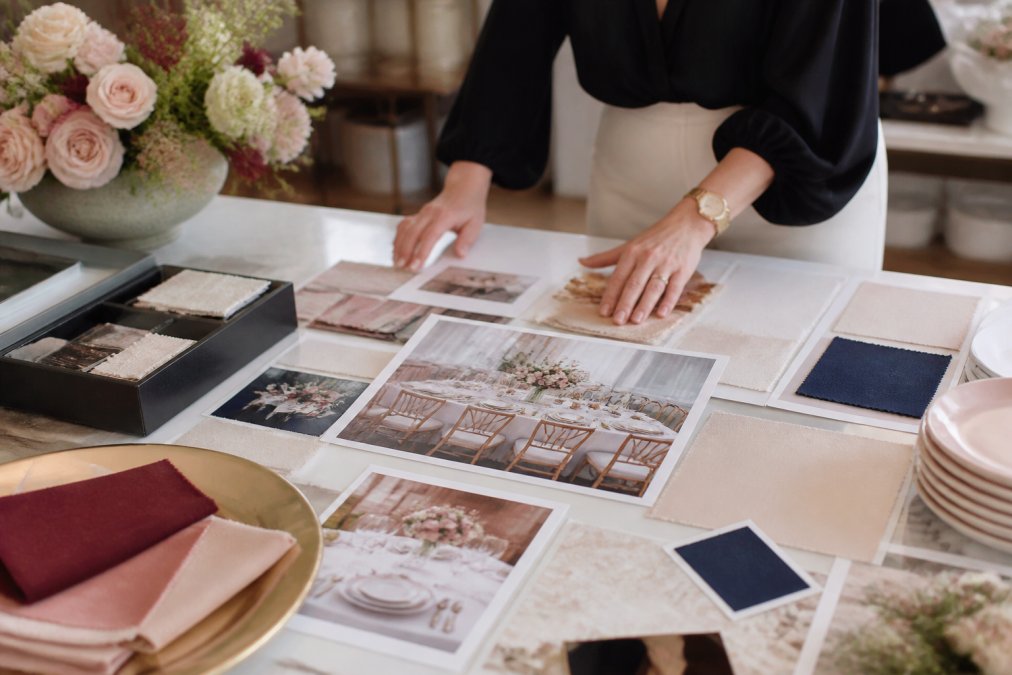
A digital asset library is a structured collection of pre-approved design elements, color palettes, fabric swatches, and floral references organized so any team member can locate and deploy them in minutes. Organize assets by aesthetic (romantic, modern, Art Deco, minimalist), color family, and event type. The goal is to assemble the first draft of any design rather than create it from zero.
According to ASID's guidance on design workflow efficiency, organized digital asset management reduces revision cycles and shortens client approval timelines across interior and event design contexts.
Step 2: How to Create Event Mood Boards Faster
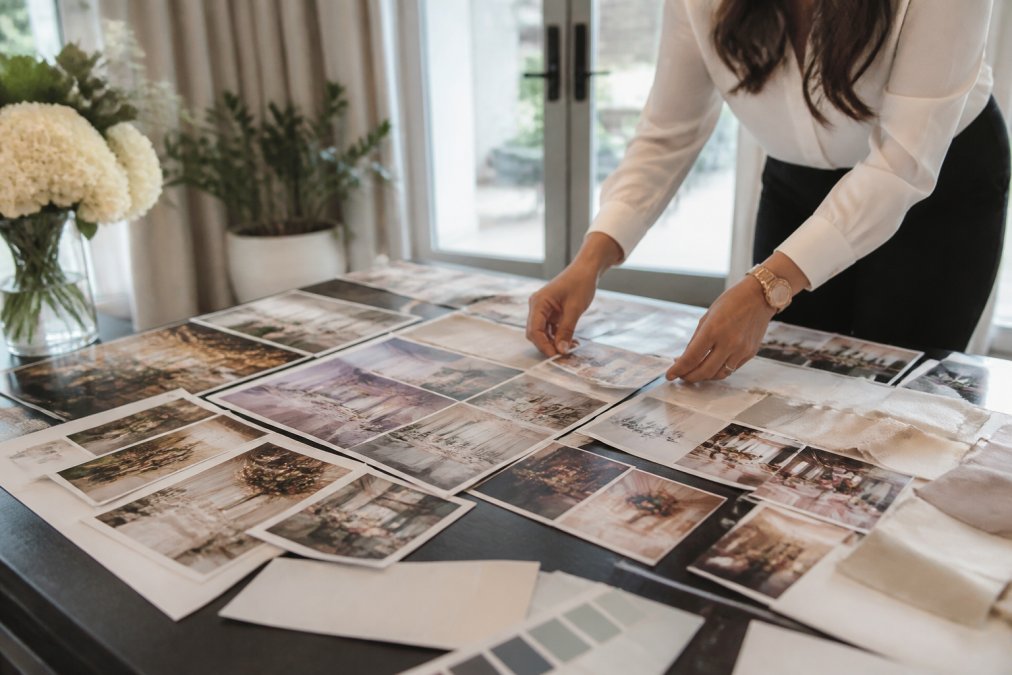
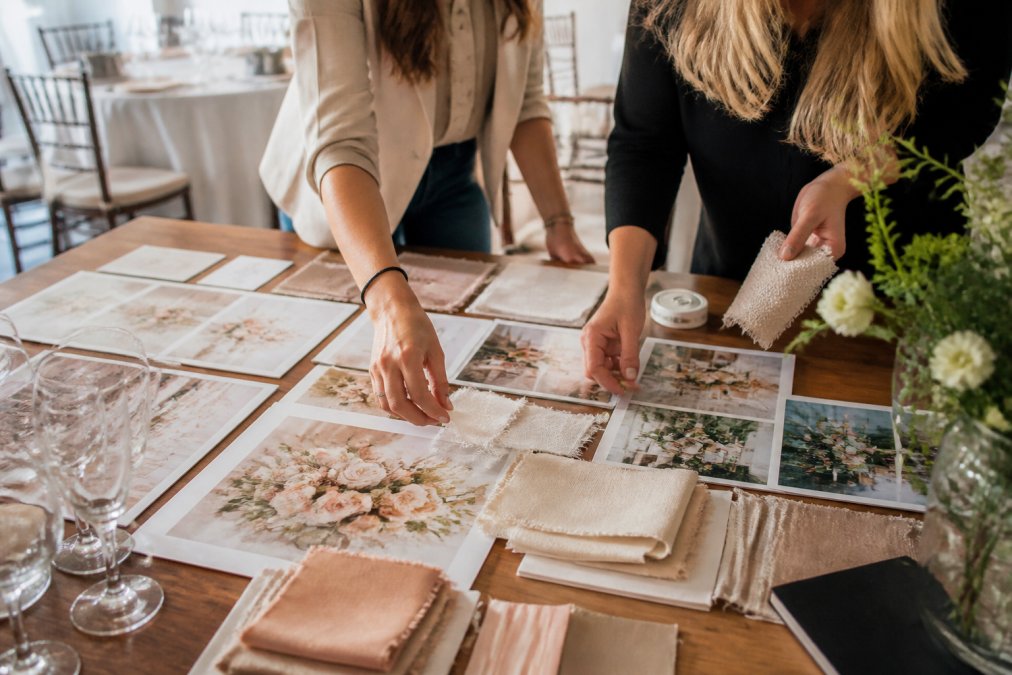
The mood board phase is where most planners lose unrecoverable hours. Replace open-ended Pinterest browsing with a prompt-driven approach.
Replace Pinterest Scrolling With Prompt-Driven Visuals
Prompt-driven visual generation means describing your design vision in precise language and letting an AI tool surface relevant imagery. A well-constructed prompt acts as a creative filter.
Write prompts that layer aesthetic descriptors, color references, and spatial context rather than vague terms like "elegant wedding":
"Candlelit reception with tall white orchid centerpieces, ivory and champagne linens, gold flatware, soft ambient lighting, high ceilings, Art Deco architectural details."
This approach also gives you something concrete to hand directly to vendors. Florists, lighting designers, and rental companies can respond to specifics; they can't respond to vague direction.
Step 3: Use AI Tools for Event Planners to Generate 3D Mockups
AI tools for event planners have crossed a threshold that changes the entire client proposal process. Generating photorealistic 3D visualizations of tablescapes or room ambiance now takes one to three minutes instead of hours.
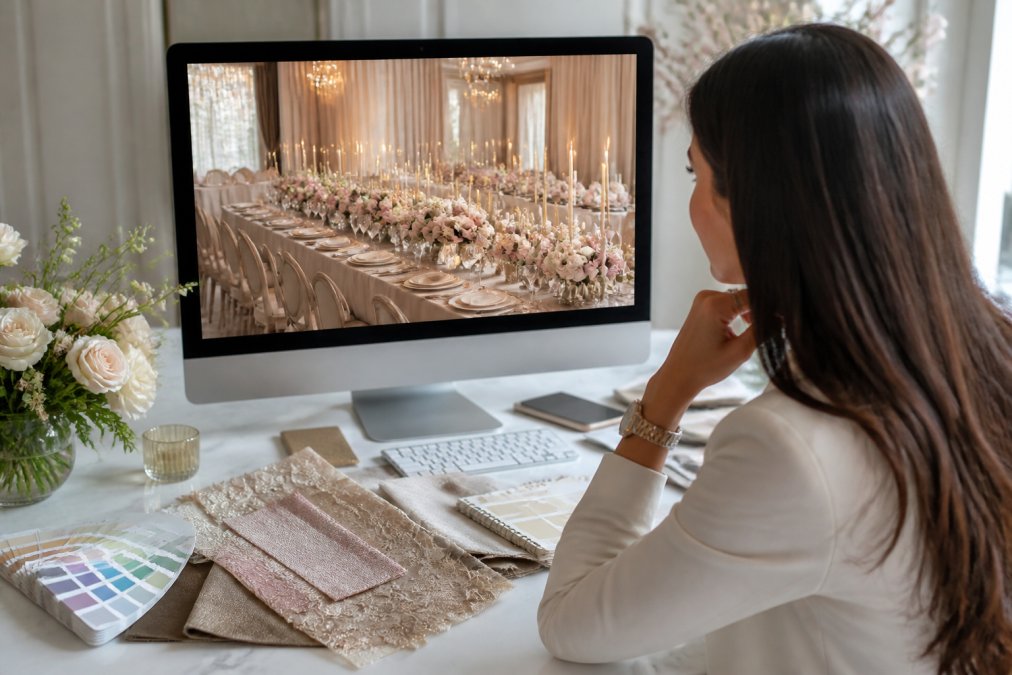
Platforms like Eventscape generate photorealistic visualizations from a single text prompt. This speed fundamentally changes what's possible during a client meeting: you can iterate on a concept in real time, respond to feedback immediately, and walk out with a signed approval rather than a follow-up call.
AI-Prompt Engineering for Event Layouts
AI-prompt engineering for event layouts is constructing text prompts with enough specificity that the output matches your design intent on the first or second generation.
The structure that works best follows this pattern:
[Occasion] + [Aesthetic style] + [Color palette] + [Key elements] + [Lighting and atmosphere] + [Spatial context]
Example: "Luxury corporate gala, modern minimalist, deep navy and brushed gold, long banquet tables with low floral runners, warm directional lighting, high-ceilinged contemporary venue."
Specificity at the color level matters. Reference Pantone codes or descriptive color language ("dusty rose," "sage green," "warm ivory") rather than generic terms.
From Text Prompt to Photorealistic Visualization in Minutes
The workflow is straightforward: draft your prompt, generate the first visualization, review for accuracy, refine based on adjustments needed, generate a second round, and present to the client. Most planners settle on a final visualization within two to three iterations.
As Harvard Business Review's analysis of AI adoption in creative industries notes, AI tools that reduce iteration cycles in creative workflows accelerate client decision-making and reduce scope creep.
Step 4: Simplify Vendor Coordination and Floor Plan Optimization
Vendor coordination bottlenecks stem from incomplete or ambiguous information, which generates clarification rounds that stretch timelines. The fix is front-loading specificity.
When you distribute vendor briefs, include:
- A photorealistic visualization of the relevant design element
- Exact dimensions and placement requirements
- A clear floor plan with labeled zones
- A timeline with their specific deadlines
Floor plan optimization starts with scale accuracy. Request the venue's architectural drawings and build your floor plan from verified measurements. Assign session density targets: how many guests per zone, what clearance is required between tables, where traffic flow needs to remain unobstructed.
When every vendor receives a brief that answers their questions before they ask them, the back-and-forth collapses.
Design Phase | Common Bottleneck | Faster Approach |
|---|---|---|
Concept ideation | Open-ended Pinterest browsing | Prompt-driven AI visual generation |
Client approval | Multiple revision rounds | Photorealistic visualization in first meeting |
Vendor briefing | Ambiguous direction, clarification rounds | Visual brief with exact specifications |
Floor plan | Approximate dimensions, setup conflicts | Verified architectural dimensions, labeled zones |
Timeline management | Ad hoc scheduling | Standardized SOP with phase-level deadlines |
Step 5: Speed Up the Luxury Wedding Design Workflow
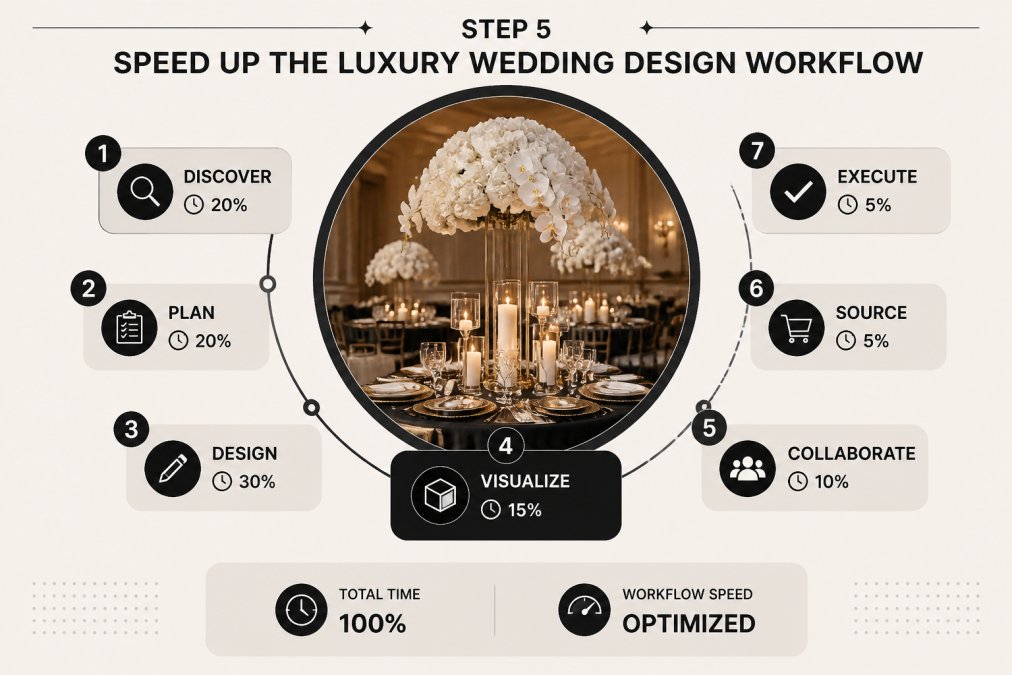
Luxury wedding design presents a specific challenge: high stakes, emotionally invested clients, and briefs that evolve across multiple conversations. Produce visuals early and use them to stabilize the brief faster. A photorealistic rendering gives clients something concrete to react to, and their feedback on a visual is almost always more precise than feedback on a description.
Collaborative Design Software Stacks for Boutique Firms
A collaborative design software stack is the combination of tools your team uses to create, share, and iterate on design assets together in real time. For boutique firms, balance capability with simplicity.
A functional stack for luxury wedding design typically includes:
- AI visualization platform (Eventscape) for photorealistic concept generation
- Cloud-based project management for timeline tracking and vendor communication
- Shared digital asset library accessible to all team members
- Video conferencing with screen-sharing for remote client design reviews
Every tool must be accessible to every stakeholder who needs it. A visualization tool that only one team member can operate creates a bottleneck.
According to Project Management Institute's guidance on collaborative tools, teams that standardize on a shared software stack see measurable reductions in handoff errors and miscommunication.
Step 6: Optimize Event Check-In and On-Site Execution
Event check-in is where design decisions made months earlier either hold up or fall apart. Optimize this phase by documenting the order in which every design element gets installed: linens before centerpieces, lighting rigs before table settings, ambient elements before focal pieces.
Assign a dedicated design lead for on-site execution whose sole responsibility is verifying that the installed environment matches the approved visualization. Give that person a printed or digital copy of final renderings and a checklist mapped to each design zone.
Include a contingency brief: what gets adjusted if a vendor arrives late, a floral element is unavailable, or a lighting fixture fails. Planners who pre-solve these scenarios spend far less time problem-solving on the day.
Step 7: Run a Post-Event Design Audit to Cut Future Time Leaks
Most planners move to the next event without analyzing where time actually went. A post-event design audit is a structured review conducted within one week of the event while details are fresh.
Run through these questions for every completed event:
- Which design phase took longer than the SOP estimate, and why?
- Which vendor required the most back-and-forth, and what information would have prevented it?
- Did the final installed environment match the approved visualization? Where did it diverge?
- Which digital assets did you create from scratch that should be added to the library?
- What prompt constructions produced the best AI-generated visuals?
Capture answers in a shared document your team can reference before the next similar event. Over time, this audit process becomes a competitive advantage: your firm gets faster with every event because you're systematically eliminating time leaks.
As Event Industry Council's resources on event management best practices highlights, continuous process improvement distinguishes high-performing event management firms.
The event design process is not a fixed cost. Every step in this guide reduces time spent on low-value tasks and reallocates it toward the creative and strategic work your clients are paying for.
Event design at the luxury level demands both creative precision and operational speed. Eventscape is built specifically to close that gap. Its AI-powered platform generates photorealistic visualizations of tablescapes, florals, and room ambiance from a single text prompt in one to three minutes, giving you a tool that accelerates every phase of the design process without compromising quality. Get started with Eventscape and deliver stunning visual concepts before your competitors have finished their first Pinterest board.
Frequently Asked Questions
What are the most time-consuming parts of event design?
Mood boarding, client revision cycles, and vendor coordination eat the most hours in a typical event design workflow. Planners often spend several hours per project sourcing reference images, assembling presentations, and waiting on approvals before a single item is ordered. Standardizing templates, building a reusable digital asset library, and using AI visualization tools to generate photorealistic mockups on demand can eliminate most of these bottlenecks and cut total turnaround time significantly.
How can AI tools improve event design efficiency?
AI tools for event planners replace the slowest parts of the design process: manual mood board assembly, hand-drawn floor plan sketches, and back-and-forth email approvals. Platforms like Eventscape generate photorealistic visualizations of tablescapes, florals, and room ambiance from a single text prompt in one to three minutes. That speed lets planners present polished concepts at a first client meeting rather than returning days later with a rough mood board, which shortens the approval cycle and reduces revision rounds.
What is the best way to visualize event concepts quickly?
The fastest method is AI-generated photorealistic rendering from a descriptive text prompt. Rather than assembling a mood board from stock images or waiting on a 3D designer, you describe the aesthetic — palette, floral style, lighting tone, table configuration — and receive a high-fidelity visual within minutes. This approach works especially well for luxury and wedding event design, where clients need to see precise ambiance before committing to vendors. Pair it with a reusable template library to cut setup time on every new project.
How do you streamline the client approval process for event designs?
Present a photorealistic visualization at the first concept meeting instead of a mood board assembled from unrelated reference images. When clients can see their actual tablescape, floral arrangement, and room ambiance rendered accurately, they give more specific feedback and approve faster. Build a structured revision protocol into your workflow: limit rounds to two, document every change request in writing, and use a shared folder so clients can annotate visuals directly. This removes the email chain bottleneck that stalls most event design approvals.